
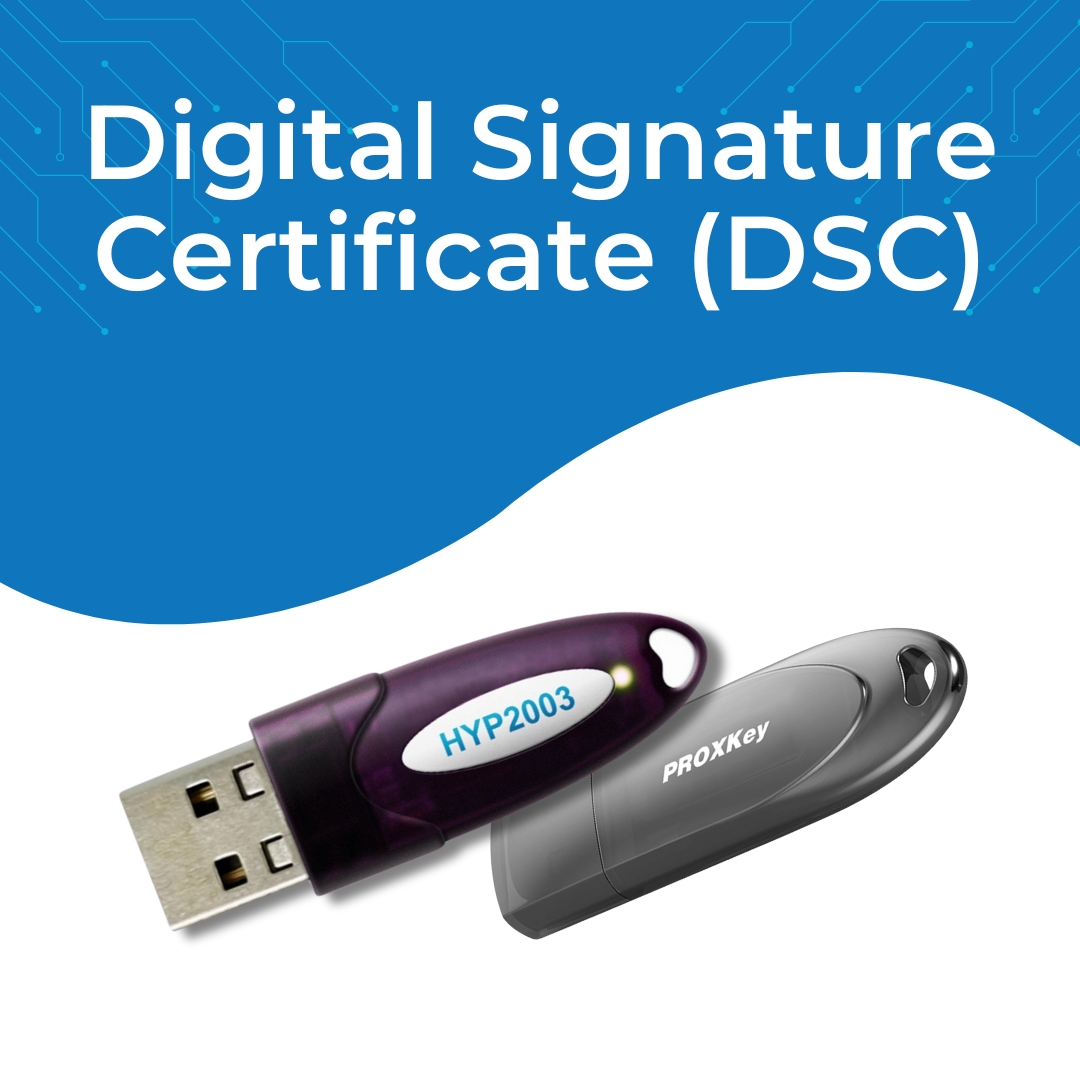
If you want to sell products or services to Government departments through the Government e-Marketplace (GEM Portal), you must have a valid Digital Signature Certificate (DSC).
A DSC ensures secure login, encrypted documents, and legally valid e-tenders.
In this guide, we explain:
Why DSC is required for GEM
-
Best DSC type for GEM sellers
-
Step-by-step process to get a DSC
-
Documents required
-
Cost & validity
-
How to use DSC on GEM Portal
-
Common errors & their solutions
What is Digital Signature for GEM Portal?
A Digital Signature Certificate (DSC) is an encrypted electronic signature used to verify identity during GEM registration, vendor onboarding, tender signing & bidding.
GEM Portal officially supports Class 3 DSC for:
✔ Registration
✔ Contract signing
✔ Tender submission
✔ Approval workflows
✔ Bid participation
Why DSC is Required for GEM Portal?
GEM portal deals with Government procurement, so security is critical. DSC provides:
-
🔐 100% secure authentication
-
🛡 Protection against document tampering
-
📑 Legally valid signature under the IT Act
-
📝 Safe tender submission without forgery
-
🔍 Verification of seller identity
Without a DSC, you cannot submit bids on GEM.
Types of DSC Required for GEM Portal
For GEM, the recommended DSC is:
✔ Class 3 Digital Signature Certificate
Used by:
-
Individual Sellers
-
Proprietorships
-
Companies
-
MSMEs
-
Government departments
-
Bidders & contractors
Signing / Encryption?
GEM generally requires a Class 3 DSC – Signing Only.
If you participate in e-tenders, you may also need:
✔ Class 3 Combo (Signing + Encryption)
Who Can Apply for DSC for GEM?
Anyone registering as a seller or service provider on GEM must have DSC:
-
Proprietor
-
Director
-
Authorized Signatory
-
Partner
-
Company Representative
Documents Required for GEM DSC
For Individual / Proprietor:
-
Aadhaar / PAN
-
Mobile number linked with Aadhaar
-
Email ID
-
Passport-size photo
For Company / Firm:
-
PAN of organization
-
Authorization letter
-
GST certificate
-
Identity & address proof of signing authority
How to Get a Digital Signature for GEM Portal? (Step-by-Step)
Step 1 — Choose an Authorized DSC Provider
(API Infotech is an authorized partner for Vsign, XtraTrust, Capricorn, eMudhra, etc.)
Step 2 — Complete Online Verification
-
Aadhaar OTP
-
Mobile OTP
-
Video KYC
Step 3 — DSC Approval & Token Issue
DSC is installed in a secure USB token (HYP Token / WD ProxKey / mToken).
Step 4 — Use DSC to Login & File Bids on GEM
Total process time: 5–10 minutes only.
How to Use DSC on GEM Portal
Follow these steps:
-
Visit the GEM login page
-
Connect DSC USB token
-
Select “Login with DSC”
-
Choose provider (Capricorn, VSign, eMudhra etc.)
-
Enter token PIN
-
Authenticate & proceed
Your DSC will be linked to your GEM seller account.
Cost of DSC for GEM Portal
| DSC Type | Validity | Price (Approx) |
|---|---|---|
| Class 3 Individual (Signing) | 2 Years | ₹1500 |
| Class 3 Organization (Signing) | 2 Years | ₹2000 |
| Class 3 Combo (Sign + Encrypt) | 2 Years | ₹2500 |
| USB Token | One time | ₹600 |
API Infotech provides DSC at best B2B & bulk pricing.
Common GEM DSC Errors & Solutions
❌ DSC Not Detected
✔ Install proper drivers
✔ Change browser (Chrome/Edge recommended)
✔ Check token connection
❌ Wrong Certificate
✔ Use Class 3 type
✔ Ensure validity is active
❌ Token PIN Locked
✔ Reset token or re-issue from provider
Why Choose API Infotech for GEM DSC?
-
✔ Authorized partner for VSign, XtraTrust & multiple CAs
-
✔ Quick 5-minute processing
-
✔ Affordable pricing
-
✔ PAN India service
-
✔ 100% support for GEM registration & bidding
📞 Contact: 09784417276, info@apiinfotech.com
📲 WhatsApp Support Available
FAQs – Digital Signature for GEM Portal
1. Is DSC mandatory for GEM registration?
Yes, required for registration & bidding.
2. Which DSC class is needed for GEM?
Class 3 DSC ( Signing ).
3. Can I use the same DSC for other portals?
Yes, GST, PF, MCA, Trademark, Income Tax, e-tenders, etc.
4. How long does it take to get a DSC?
Only 5–10 minutes.
5. Can I renew DSC for GEM?
Yes, renewal can be done before or after expiry.
Conclusion
A Digital Signature Certificate (DSC) is essential for registering on the GEM portal, submitting tenders, and handling procurement securely. With API Infotech, you get quick, affordable, and hassle-free DSC services.
👉 Need a DSC for GEM? Just send a message — we’ll process it instantly.
📞 Contact: 09784417276